Quenq Vice City: Play GTA Vice City Online in Your Browser
No download. No install. Play the classic 2002 game on PC, mobile and Chromebook, right from Chrome.
▶ PLAY NOW
What is Quenq Vice City?
Quenq Vice City is a browser version of Grand Theft Auto: Vice City. The original game came out in 2002 from Rockstar North. It is still one of the most loved open world games in India.
This version brings that same game to the web through the Vice City Web Edition. It runs on WebAssembly through the reVC engine. In simple words, the game runs in your browser and the map loads as you play. You do not download a large file first.
Many Indian players do not have a high end PC. Many play on a normal laptop, a college computer or an Android phone. You only need an updated browser and a stable connection.
How to Play Quenq Vice City Online
Open Your Browser
Open the latest Google Chrome or another modern browser on your PC, laptop, mobile or Chromebook.
Open the Game Page
Open the Quenq Vice City game page in your browser. No download and no install is needed.
Wait for Loading
Wait for the game to finish loading. The engine loads in seconds and the map streams as you drive.
Click the Game Window
Click inside the game window once, so the game receives your keyboard input.
Press Play / Start
Click Play on the game menu. You will also see Fullscreen and Save Manager there.
Play on PC
Play on PC with WASD, Mouse, Left Click, Space, Shift, F or E, Mouse Wheel, and Esc.
Play on Mobile
On mobile, use the touch buttons. Turn your phone to landscape mode.
Save Your Progress
Save with the Save Manager. Import a .b save from PC or PS2, and download a backup.
Quenq Vice City Features
The quenq vice city gta browser keeps the things players care about most.
No Download Needed
No download and no install. Open the browser and play.
Full Story Missions
Full missions from the original 2002 game.
Save & Load Progress
Save Manager. Import .b saves from PC or PS2 and download a backup.
Keyboard + Controller
Keyboard and mouse on PC, touch controls on mobile, and gamepad support on some builds.
Touch Controls on Mobile
Touch controls on mobile. Turn your phone to landscape mode and play with on-screen buttons.
Fast Loading
Fast loading. The engine loads in seconds and the map streams while you drive.
The Story — Tommy Vercetti, 1986
Vice City is set in 1986. The city is based on 1980s Miami. It has neon lights, palm trees, beaches, bright cars and loud radio music.
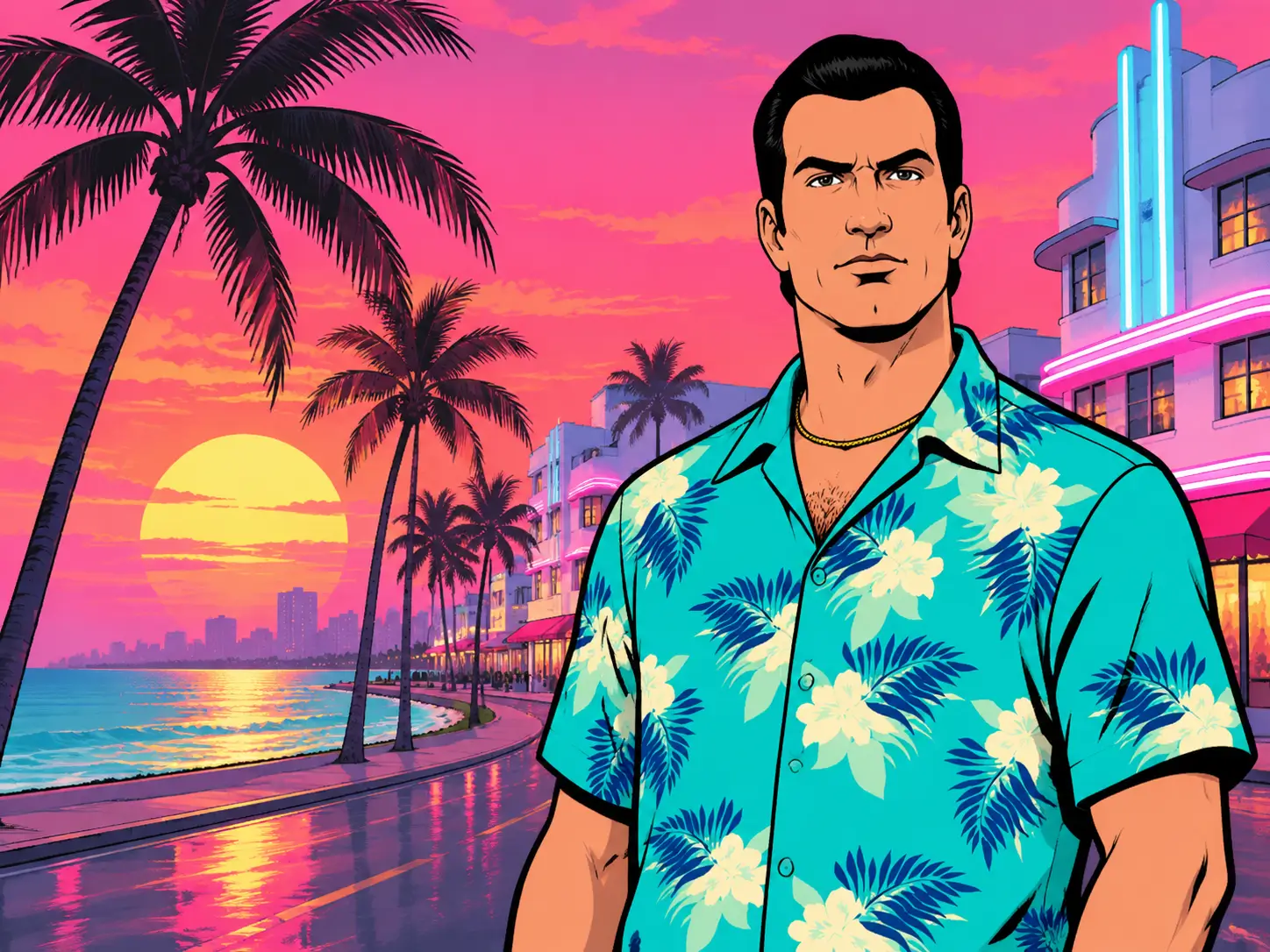
You play as Tommy Vercetti. Tommy is a mobster who has just come out of prison after 15 years. His old boss Sonny Forelli sends him to Vice City to handle a drug deal.
Tommy is left alone in a new city with a big problem and no one to trust. From there, he starts small, takes on jobs, buys businesses and fights for control. Slowly, he becomes the man who runs Vice City.
Quenq Vice City Controls for PC and Mobile
| Action | Key |
|---|---|
| Move / Drive | W A S D |
| Look / Aim | Mouse |
| Fire / Attack | Left Click |
| Jump / Brake | Space |
| Sprint | Shift |
| Enter / Exit Vehicle | F/E |
| Switch Weapon | Mouse Wheel |
| Pause | Esc |
On mobile, use the touch buttons for walking, driving, shooting and camera. Use landscape mode for driving missions. Keys can change a little between builds, so check the in-game settings if a key does not work.
Explore Vice City
Missions
Story missions give you direction. Some are quick jobs. Some turn into long drives, shootouts and police chases. Early missions help you learn the city. Later missions test your driving and your aim.
Cars & Bikes
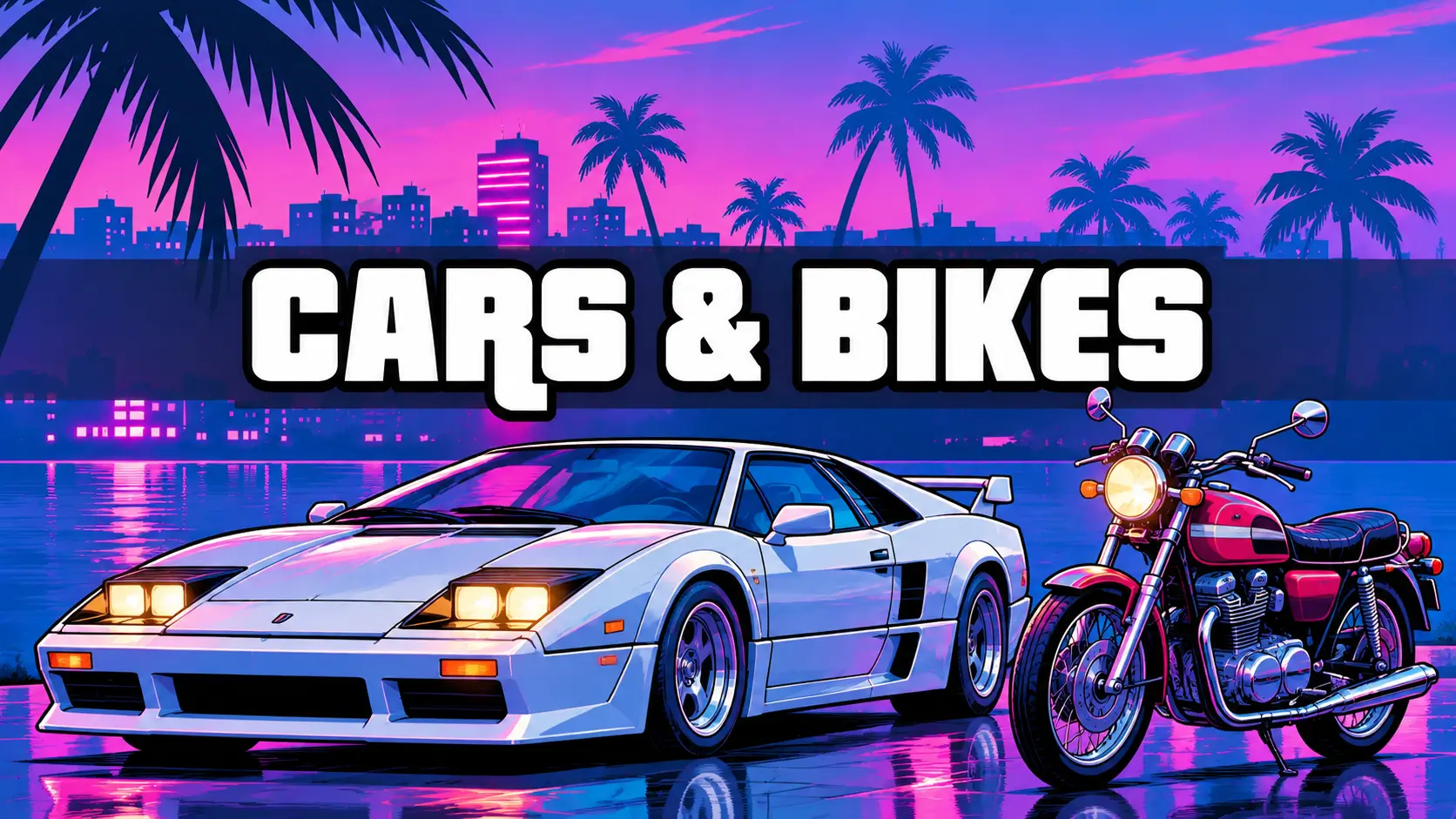
Cars are a big part of the game. You can take a car, drive across town, leave it and take another one. Try different cars and bikes. Some are fast. Some are easy to handle on tight streets.
City Map
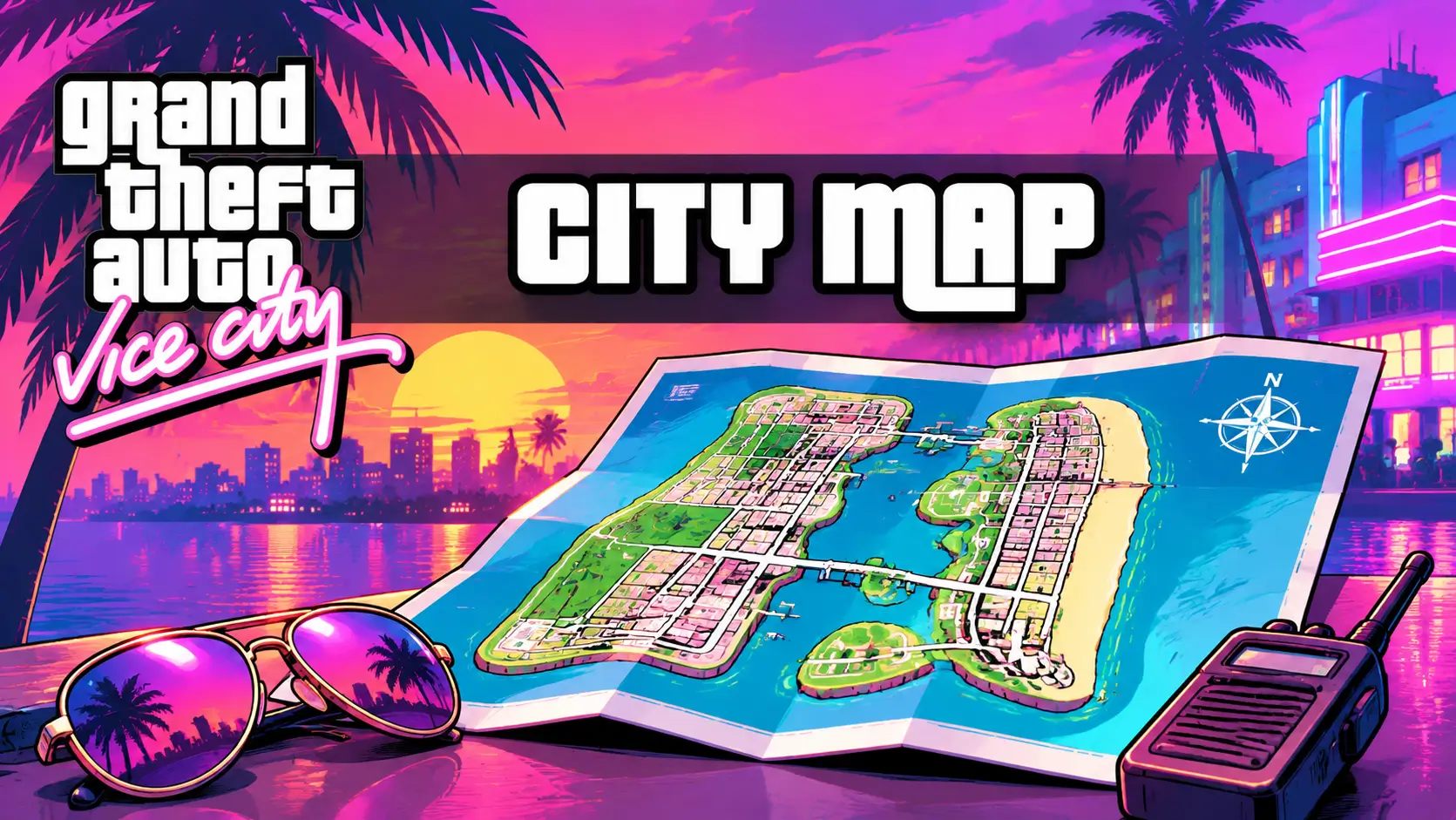
Between missions, explore the city and find hidden packages. Money and properties also matter. As you finish missions, you can buy businesses and safehouses.
Wanted Level
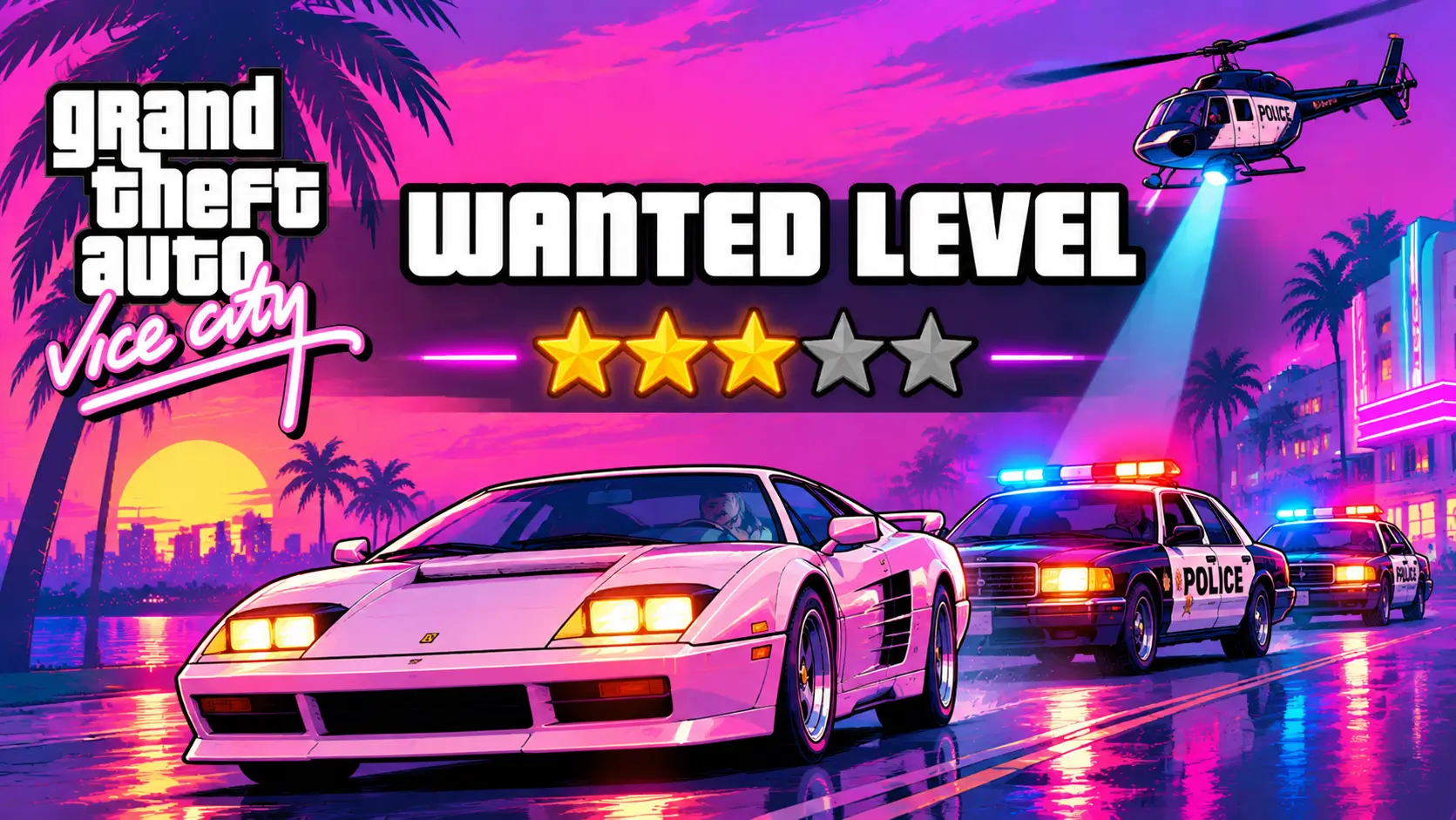
The wanted level changes how the game feels. If you cause trouble, the police will follow you. If the police are after you, find a Pay n Spray to lose them instead of driving in circles.
Tips to Play Quenq Vice City Better in India
Use the latest Chrome browser
Use the latest Chrome browser and a stable internet connection.
Wait for the game to load fully
Wait for the game to load fully before you start playing.
Close extra tabs and background apps
Close extra tabs and background apps to reduce lag.
Save your progress first
Save your progress before starting a difficult mission.
Complete early missions first
Complete early missions to learn the city and unlock useful options.
Learn the main roads and shortcuts
Learn the main roads and shortcuts to reach missions faster.
Keep a good car nearby
Keep a good car nearby before starting a long mission.
Collect body armor first
Collect body armor before entering shooting missions.
Keep moving during fights
Keep moving during fights instead of standing in one place.
If the game lags, reload it
If the game lags, close extra tabs and reload the page.
If a mission feels stuck, take a break
If a mission feels stuck, take a break and explore the city.
Play on mobile in landscape mode
On mobile, turn your phone to landscape mode. Fullscreen + landscape gives the full view.
Is Quenq Vice City Free and Safe?
Yes, you can launch it in your browser and play without paying to start. There is no download fee and no install step.
Play it in your updated browser and do not download GTA Vice City APK files from random sites. If the game does not load, check your browser, your internet and your tabs first.
FAQs About Quenq Vice City
What is Quenq Vice City?
It is a browser version of GTA Vice City. You can play the classic 2002 open world game online in Chrome and other modern browsers without downloading it.
Can I play GTA Vice City online without downloading?
Yes. Open the game page in your browser, wait for it to load, click inside the game window and start playing. No download is needed.
Is Quenq GTA Vice City free to play?
Yes, you can launch it in your browser and play without paying to start. You do not need to buy or download the game to try it here.
Does Quenq Vice GTA Vice City work on mobile and Android?
Yes. It works on many modern Android phones and tablets through the browser. Use Chrome, turn your phone to landscape mode and use the touch buttons.
Does it work on PC without a gaming PC?
Yes. You do not need a high end gaming PC. A normal Windows, macOS or Linux computer with an updated browser can run it.
Which browser is best for Quenq Vice City Online?
Google Chrome is the best choice for most players in India. Updated Microsoft Edge, Firefox and Safari also work well.
How do I save my progress in Quenq Vice City Free?
Use the Save Manager on the game screen. You can import an existing .b save file from PC or PS2 and download a backup to keep your progress safe.
What are the controls for Quenq Vice City Game on PC and mobile?
On PC, use WASD, Mouse, Left Click, Space, Shift, F or E, and Esc. On mobile, use the touch buttons.
Is Vice City Quenq the same as GTA 5?
No. This is GTA Vice City from 2002, not GTA 5. The story, city and hero here are Tommy Vercetti in 1986 Vice City.
Is there a Quenq Vice City download APK?
No download is needed to play this game. We are not providing any apk file to run this game in your device.
Vice City is still fun after all these years. Now you can enjoy it without a download, without an install and without a costly PC.
Open the game in your browser, follow the steps above, save your progress and start with the early missions. Drive through the neon streets and build Tommy Vercetti into the man who runs the city. Quenq Vice City is ready when you are.